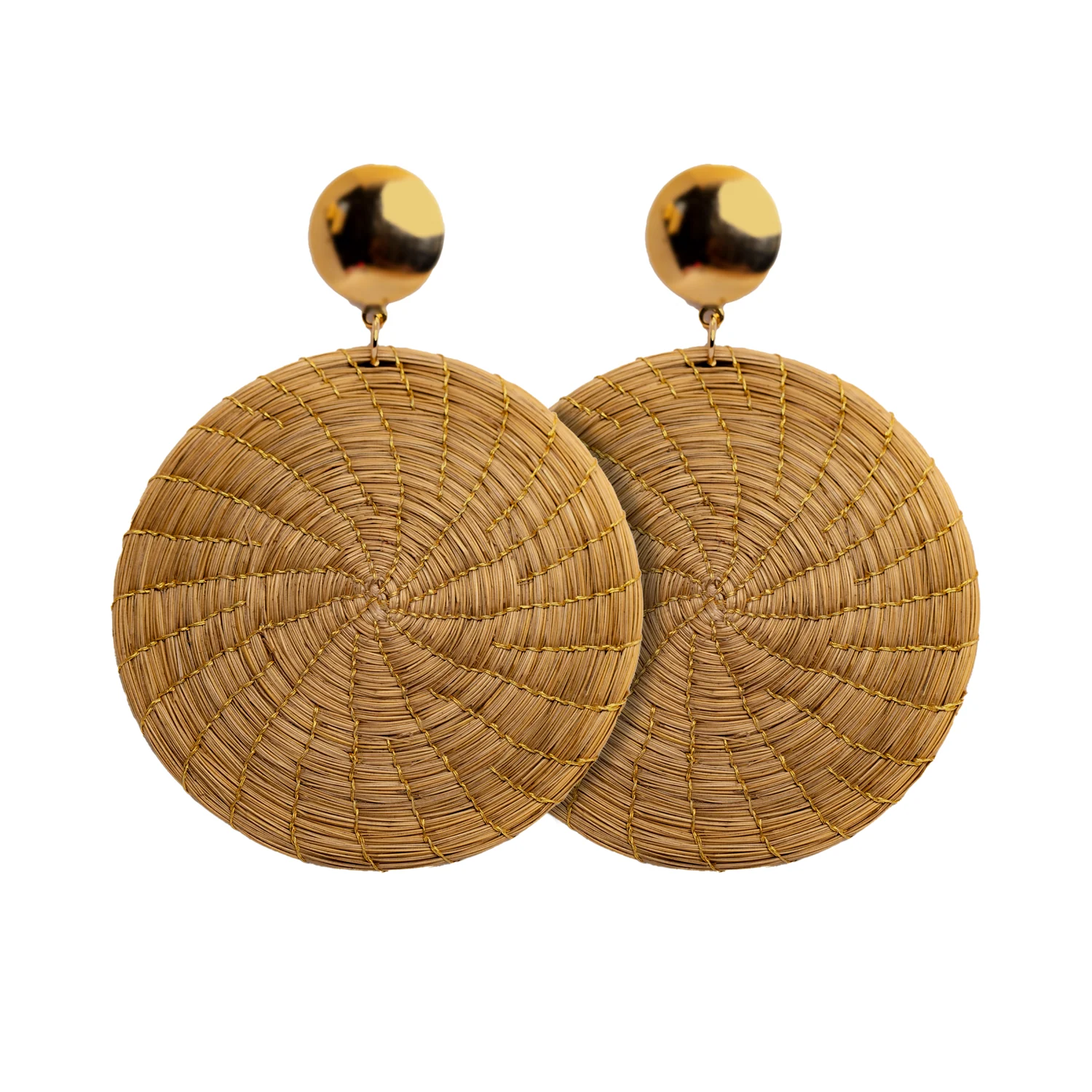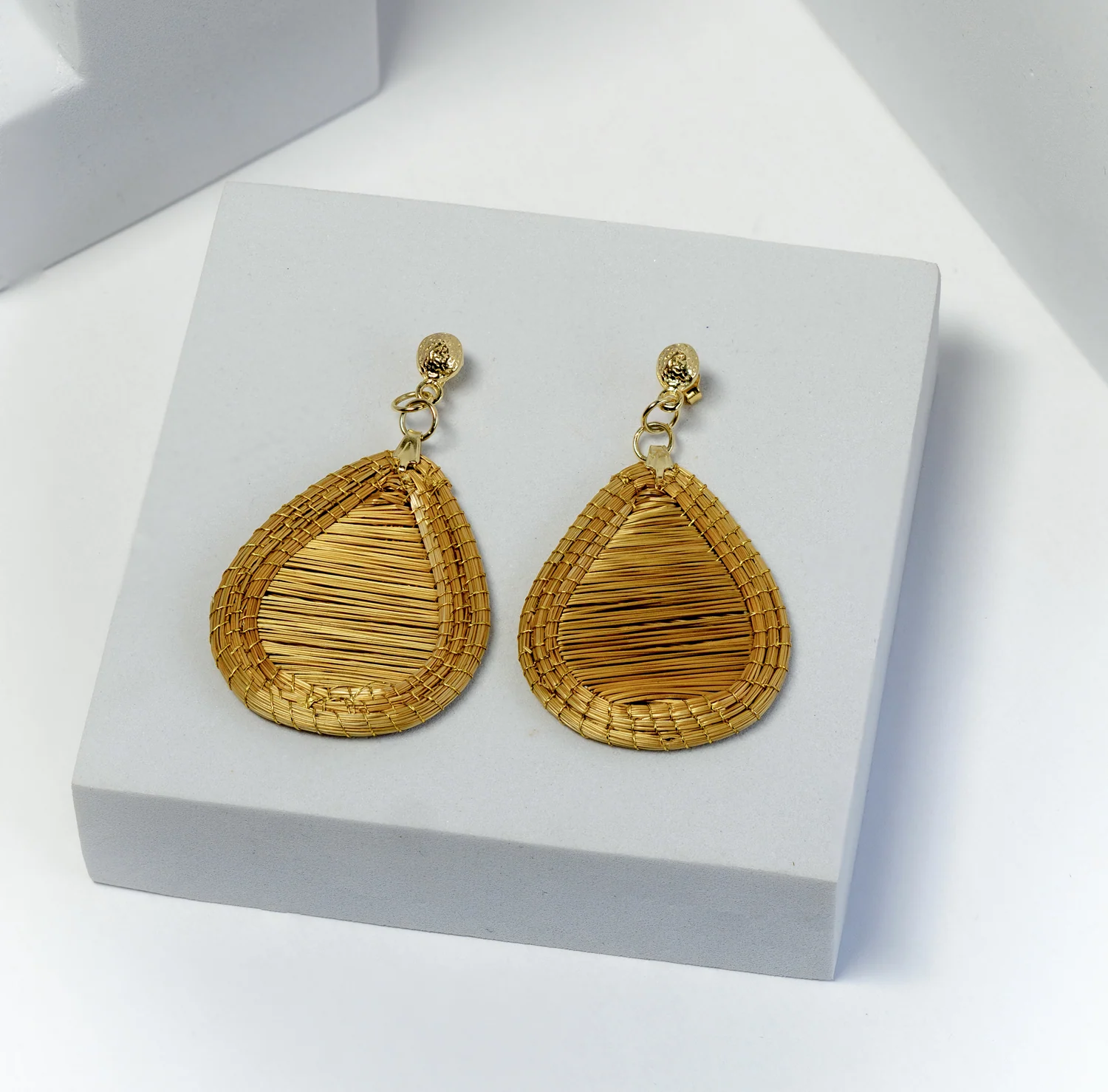

A pair of earrings can look substantial in one photograph and delicate in another. A shallow basket can resemble a deep bowl when its rim hides the interior. For a retailer, these are buying questions disguised as visual choices. Product photography should help a customer decide whether an object belongs in their wardrobe or home, without requiring them to guess its proportions.
Begin with the piece you will actually sell. Gather its current product record, dimensions, colour description and any confirmed variation notes. Then decide what a customer needs to see before considering styling props or a campaign mood. A consistent sequence can still feel editorial; consistency simply makes comparisons easier.
At a glance
- Give each photograph one clear purpose.
- Show measured dimensions alongside a contextual view.
- Review images against the exact stock being sold.
In this guide
- Write a shot list around questions
- Choose colour accuracy over a stronger mood
- Show scale without inventing a standard body or home
- Make the image sequence usable online
- Run a five-minute customer test
Write a shot list around questions
Assign each picture a specific job. The opening image identifies the item. Another explains its depth or construction. A close view shows a detail that matters to the purchase. A contextual image demonstrates scale. If two photographs answer the same question, keep the clearer one and spend the saved time on missing information.
| Customer question | Useful photograph | Review point |
|---|---|---|
| What exactly am I buying? | Whole item against a quiet background | Every component included in the sale is identifiable |
| How large is it? | Context view plus written measurements | The scene does not exaggerate proportions |
| How is it finished? | Close view of edge, reverse or closure | Detail remains visible without aggressive editing |
| What changes between pieces? | Several actual examples together | The accompanying explanation matches available stock |
Choose colour accuracy over a stronger mood
Use one repeatable lighting arrangement for the comparison photographs. Avoid combining a strongly coloured wall, coloured props and several different light sources, because they make it harder to judge whether an apparent tone belongs to the item or its surroundings. Keep a reference frame from the session and record your setup so a later delivery can be photographed consistently.
Compare the edited photograph with the physical product before approving it. Pay particular attention to pale fibres, dark detailing and reflective findings. If increasing warmth makes a neutral object appear yellow, the photograph may be attractive but the product description now has a harder job. Keep stronger colour treatments for clearly contextual editorial images, and retain a straightforward reference view.
Do not promise identical colour on every screen. Instead, give a useful colour description and show the current variant. A generic sentence about screen differences cannot repair a picture of the wrong finish. When a new batch looks materially different, revisit its images and variant record before using the previous photographs again.
Show scale without inventing a standard body or home
A styled photograph offers context, but it does not replace dimensions. Show a piece on an ear or beside a familiar object when appropriate, then include the measured length, width or depth separately. Explain where a measurement begins. An earring measured from the top of its hook tells a different story from the decorative section measured alone.
Consider a hypothetical pair with a 6 cm total drop and a 3.5 cm decorative element. Photographing only the decoration and labelling the product “3.5 cm” leaves out information that affects appearance when worn. A clear side view and both measurements resolve the ambiguity. These figures illustrate the method and do not describe a catalogue item.
Make the image sequence usable online
The W3C guidance on informative images explains that a text alternative should convey the information or meaning an image contributes. For a product page, describe the useful visible feature rather than filling the image description with promotional keywords.
Keep image names and records linked to the correct product identity. Maintain the original file, approved edit and intended view in one folder. Record whether permission covers your website, email and printed materials when using supplier photography. Permission to use a photograph should be checked directly; possession of a download is not an editorial approval process.
Run a five-minute customer test
Ask a colleague who did not arrange the shoot to identify what is included, how big the item is and which detail is most distinctive. Let them use only the proposed page. Their unanswered questions are the next photographs or descriptions you need, not evidence that the customer should look harder.
When selecting pieces from Toodobem’s collections, keep this shot list beside your buying notes. Request missing information before the launch through the trade contact page. A photograph earns its place when it makes the real object easier to understand, and a complete sequence gives a customer several clear reasons to choose it.