A product’s information often arrives in fragments: dimensions in an email, material details in a catalogue, a price in a quotation and a care instruction on a small card inside the delivery. Each fragment may be correct, yet the shop still lacks a dependable reference. A product data sheet brings the useful pieces together.
The sheet should serve work, not collect information for its own sake. Ask which facts a colleague needs to order the item, recognise it at intake, prepare its page and answer a customer. Anything critical to those tasks deserves a clear field and an accountable source.
At a glance
- Create one current record for each sellable variant.
- Separate verified product facts from commercial and editorial fields.
- Give changes an owner and a review date.
In this guide
- Begin with a stable identity
- Keep the physical facts together
- Separate product facts from commercial information
- Give editorial content its own approval status
- Design the sheet for the colleague who was not in the meeting
- Make updates part of receiving
Begin with a stable identity
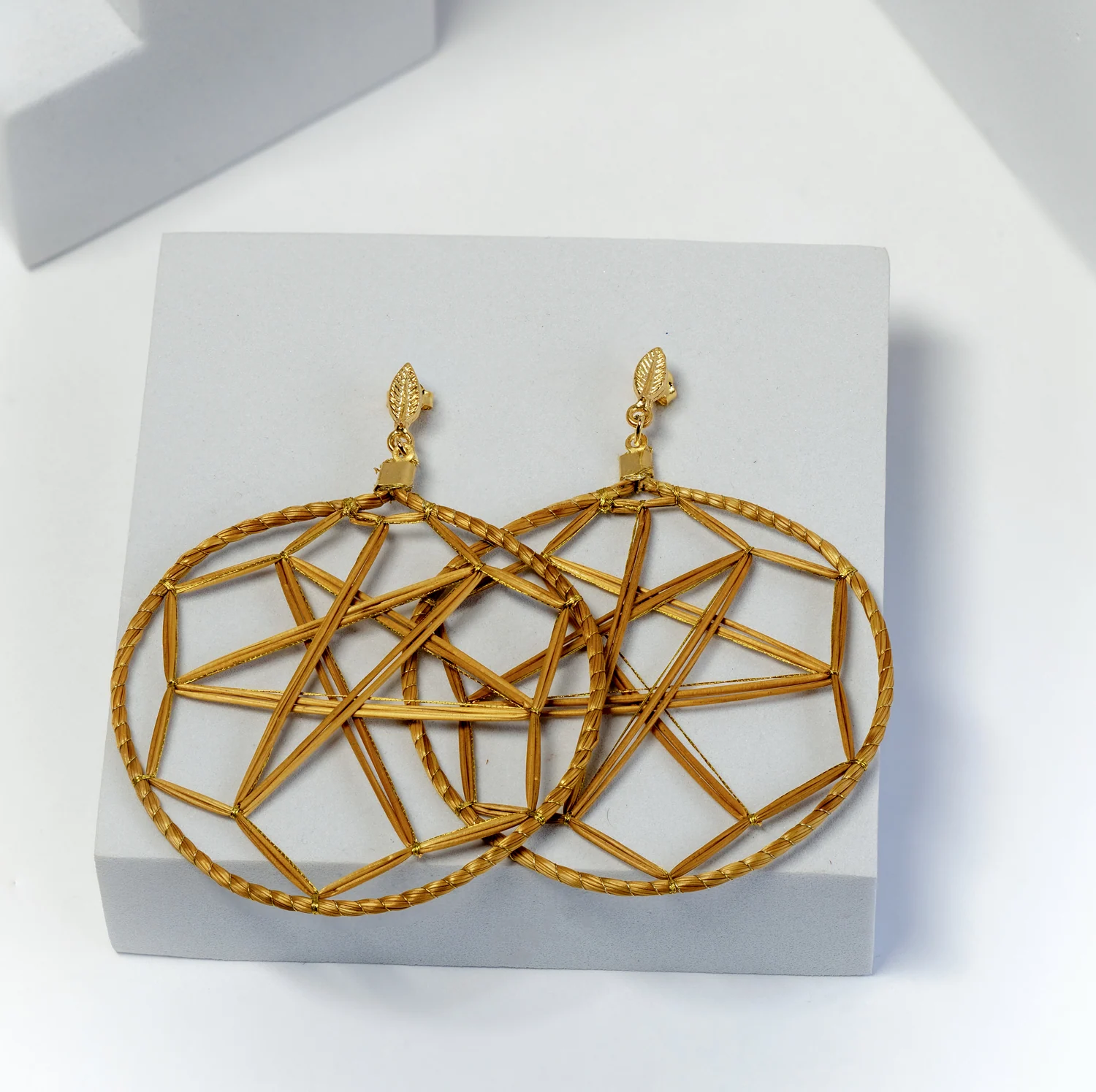
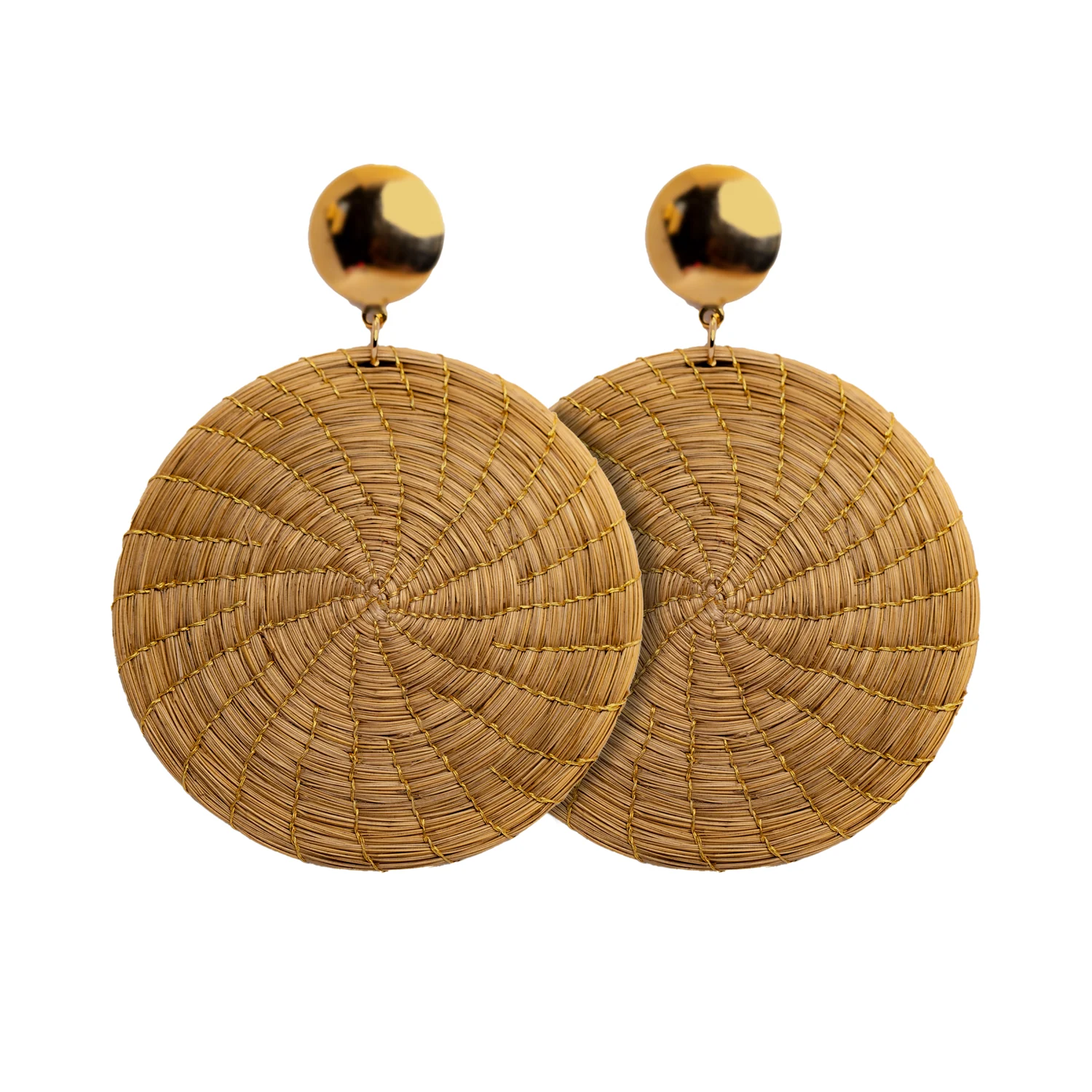
Put the supplier reference, your internal stock reference, product name and variant at the top. State the unit of sale. An earring pair and an individual earring cannot share an ambiguous quantity field. A set should identify what it contains, while separately sold sizes need records that distinguish them.
Add a small reference to the approved image folder rather than pasting unrelated pictures into several files. The photograph should show the current variant. If the supplier changes a construction detail or finish, establish whether the existing record still describes the item or needs a revision before the next order.
Keep the physical facts together
| Field group | Include | Useful qualification |
|---|---|---|
| Composition | Confirmed materials and components | Identify any unresolved component information |
| Dimensions | Relevant length, width, height or depth | State units and measurement method |
| Weight | Product weight where relevant | Distinguish one piece, a pair and packed weight |
| Construction | Fastenings, handles, lining or other features | Describe what is confirmed for this variant |
| Variation | Documented differences to expect | Avoid treating every discrepancy as acceptable |
| Care | Approved instructions for the complete item | Retain source and revision date |
Leave an unknown field visibly unresolved rather than filling it with a guess. A blank labelled “confirmation requested” is operationally useful because it creates a task. An invented number looks finished and can travel into a product page, shelf label or buying decision without another check.
Separate product facts from commercial information
Keep current buying price, currency, quotation date, validity and agreed order conditions in a clearly identified commercial section or linked order record. These details can change without changing the object’s identity. They also have a different audience from customer-facing copy.
For Toodobem buying, use the commercial information confirmed for Toodobem. A shared catalogue identity does not mean that another sales route has the same price or terms. Your sheet should make the applicable supplier and document explicit, so a colleague cannot accidentally compare or publish the wrong figure.
Give editorial content its own approval status
Store the approved short description, longer description, care copy and maker attribution together. Record the permission and credit details for supplied photography. Separate draft ideas from approved text, particularly when a writer is still checking material, origin or environmental language.
A hypothetical shop may use three content statuses: incomplete, ready for review and approved. A product can be commercially selected while its page remains incomplete. That distinction allows buying and editorial work to progress without implying that every field is already safe to publish.
Design the sheet for the colleague who was not in the meeting
Test the record with someone who has not handled the order. Ask them to identify the correct variant, locate the total dimensions and find the instruction for an unresolved question. If they need an explanation from the buyer to interpret every abbreviation, the sheet is still a personal notebook rather than a shared tool.
Use consistent units and plain field names. Record who last reviewed the sheet and where the supporting information lives. Avoid several equally plausible versions named “final”. A single current record with a change note is easier to maintain than multiple polished copies that gradually disagree.
Make updates part of receiving
When stock arrives, compare it with the record and flag meaningful differences. Do not quietly rewrite supplier-confirmed information based on one quick impression. Ask for clarification, record the response and then update the appropriate fields. Tell colleagues when a change affects care, photography, identification or customer copy.
Use the Toodobem catalogue to establish references and request missing product information in one focused list. A useful data sheet is finished when it supports the next task confidently, and it remains useful only when the shop treats it as a maintained record of the actual product.